

FAQ’s
Everything you need to know about how the app works, where to find things and other commonly asked questions can be found here.
01. User Profile
Maintain and Edit your user profile.
02. Search for a Property
Search for a property. Select the Country and type in the address. You will see all the listed properties from the point you have chosen. You can filter, view the traffic, turn on the satellite view from the icons on the right. Slide the property up to see more information about the property and view the pictures of the house. If you would like to contact the person on the other side, click Chat and start chatting.
03. How to Chat
You can chat to the Agent or Property Owner from here. If you would like to block the user click on the menu and tap the block menu item. The person on the other end will not be able to communicate with you and will need to be unblocked.
04. Join and Agency or Create an Agency
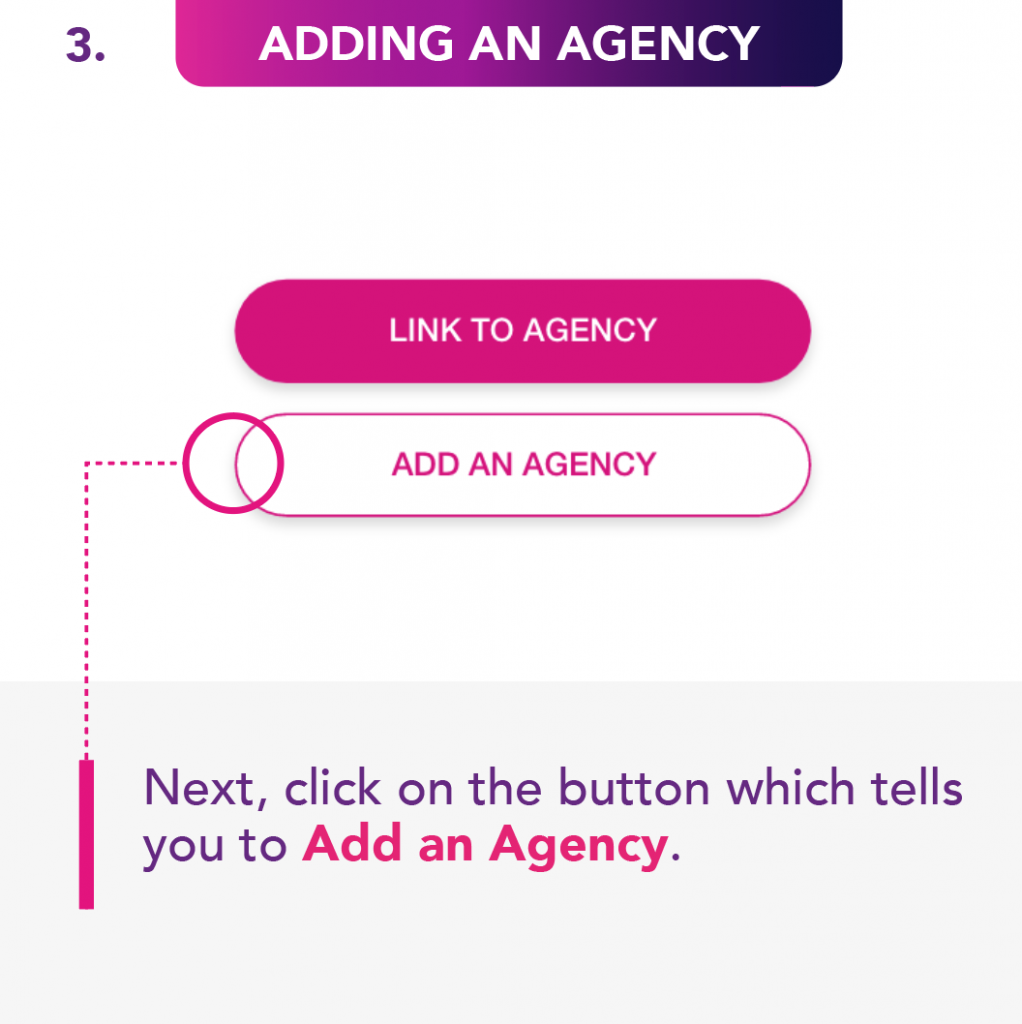
You can join an agency or create an agency from this page. If you are joining to an existing agency you will need to enter the code that the Agency will give you and then be approved.
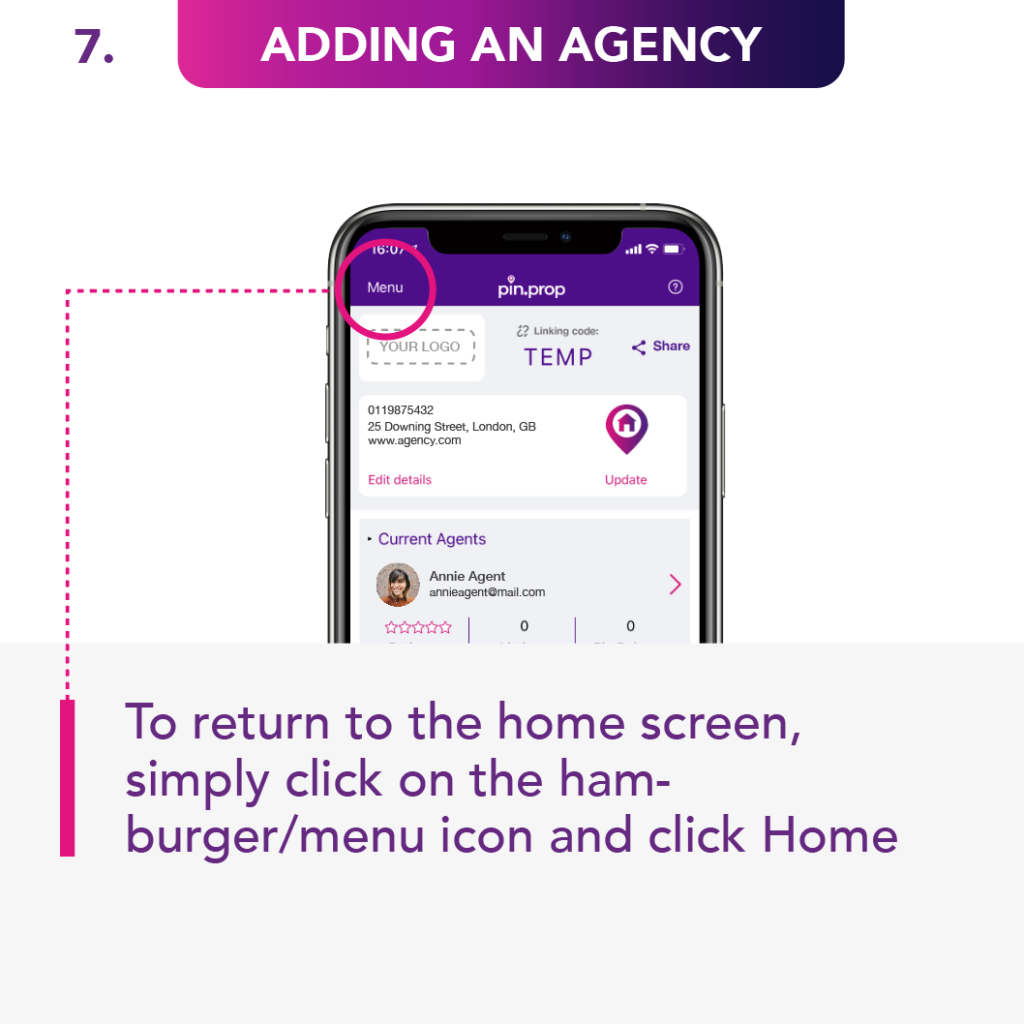
05. Add an Agency
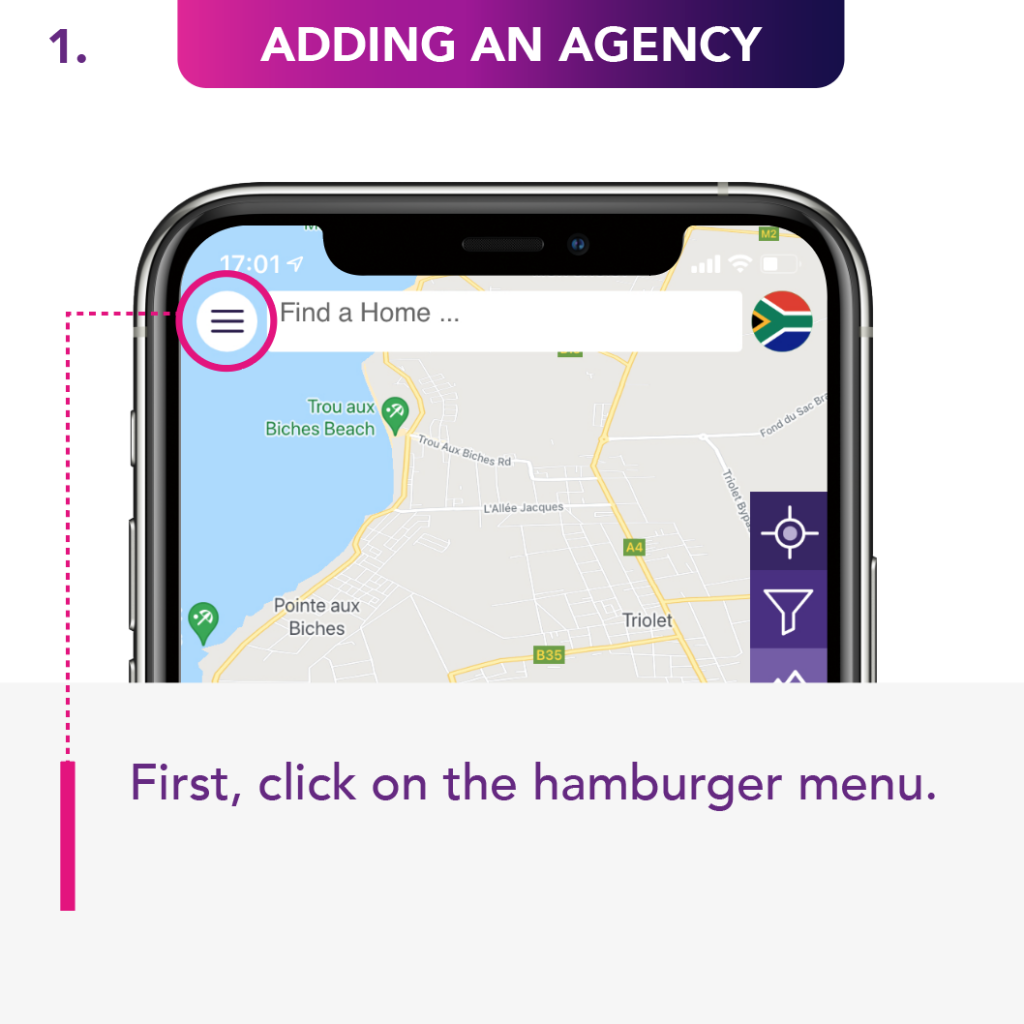
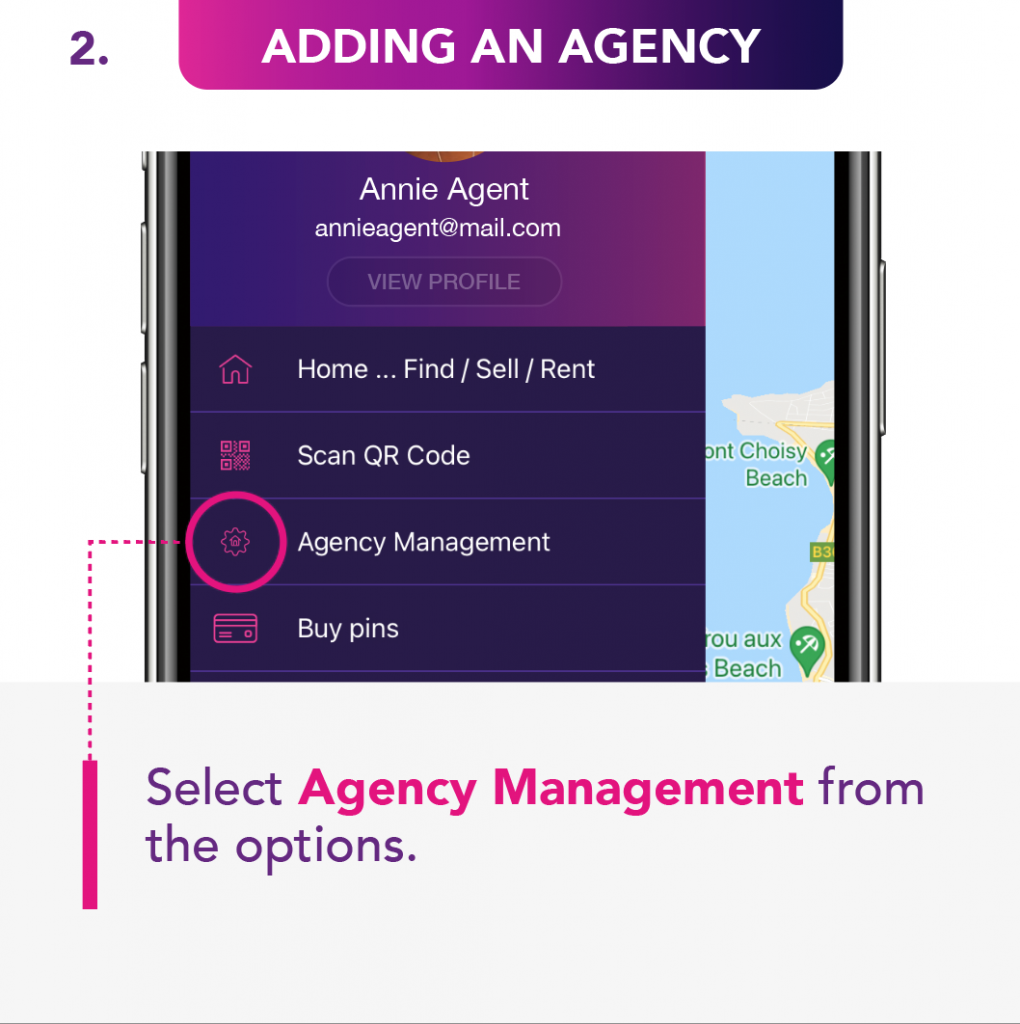
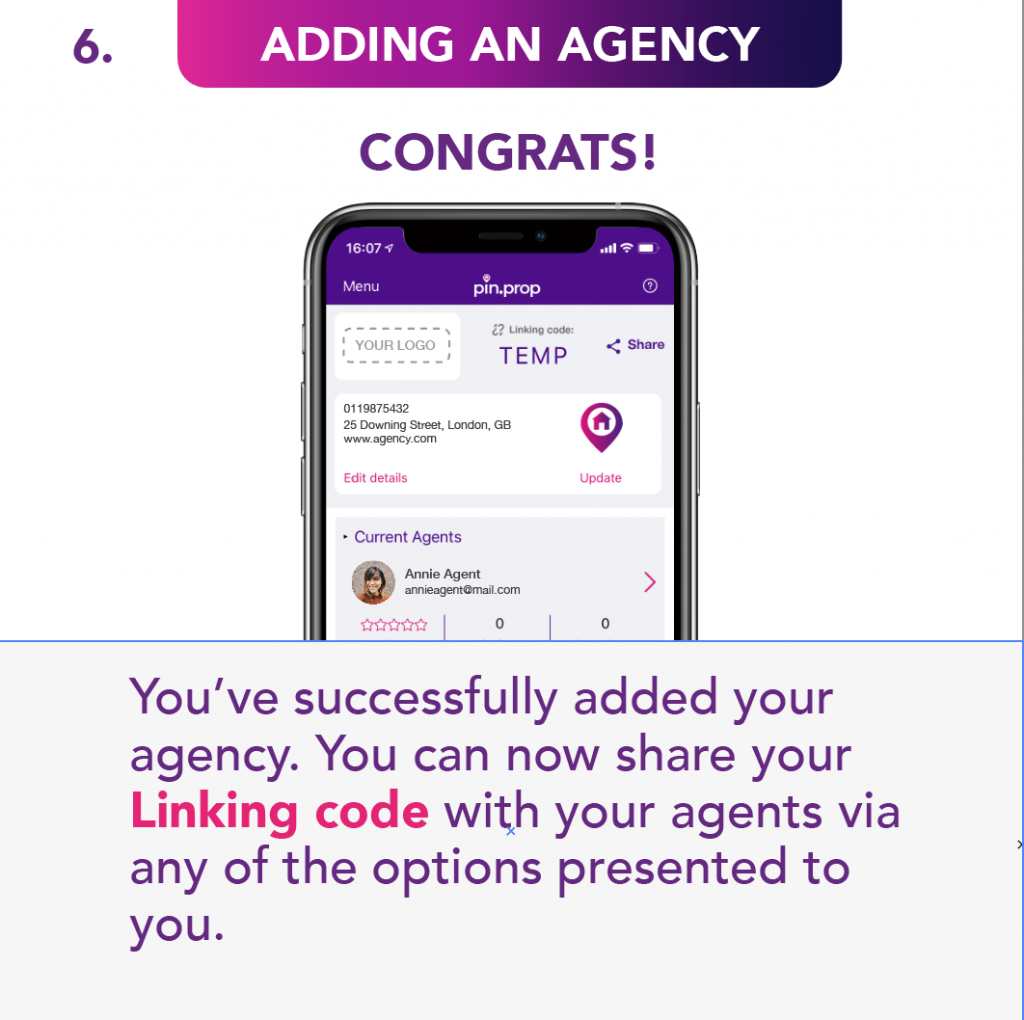
From here you can maintain the Agency details, purchase, allocate and deallocate Pins. You can also set basic permission for the agents.
06. Add your Agency
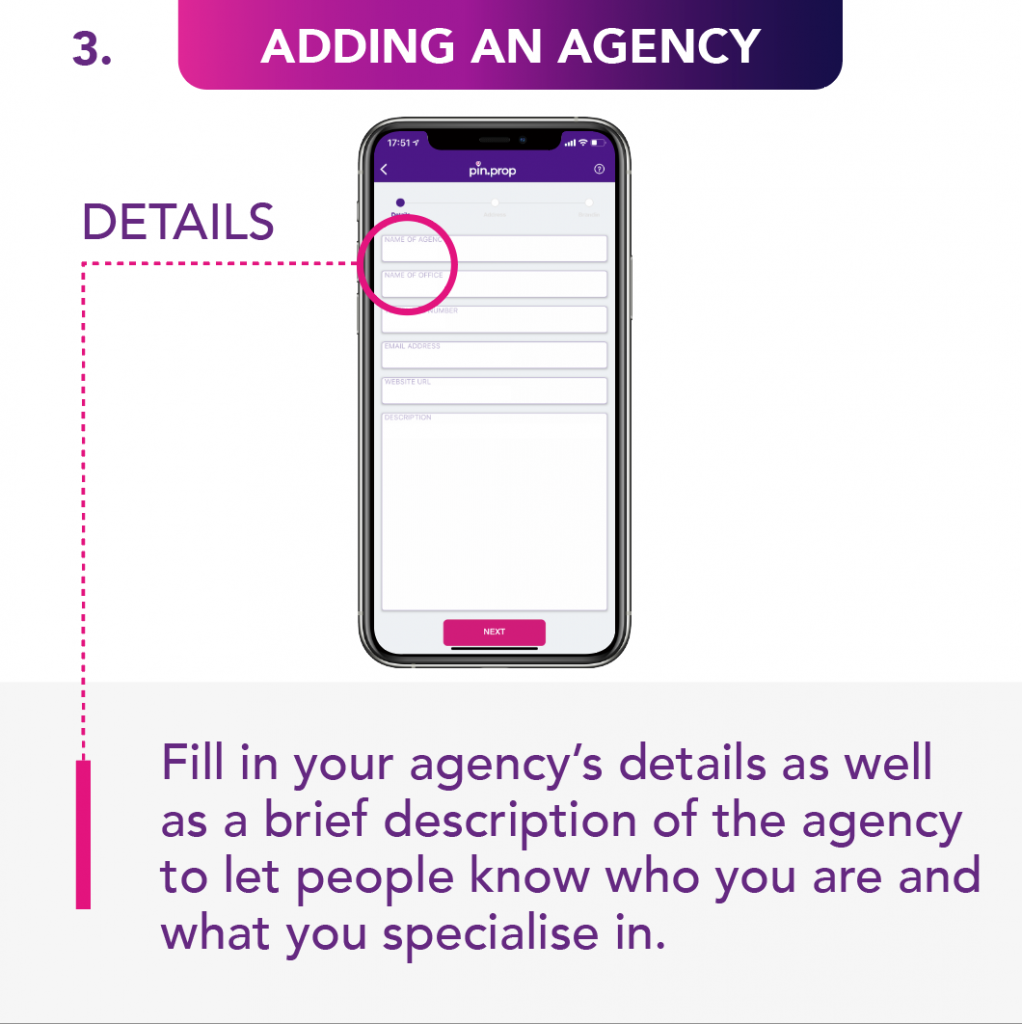
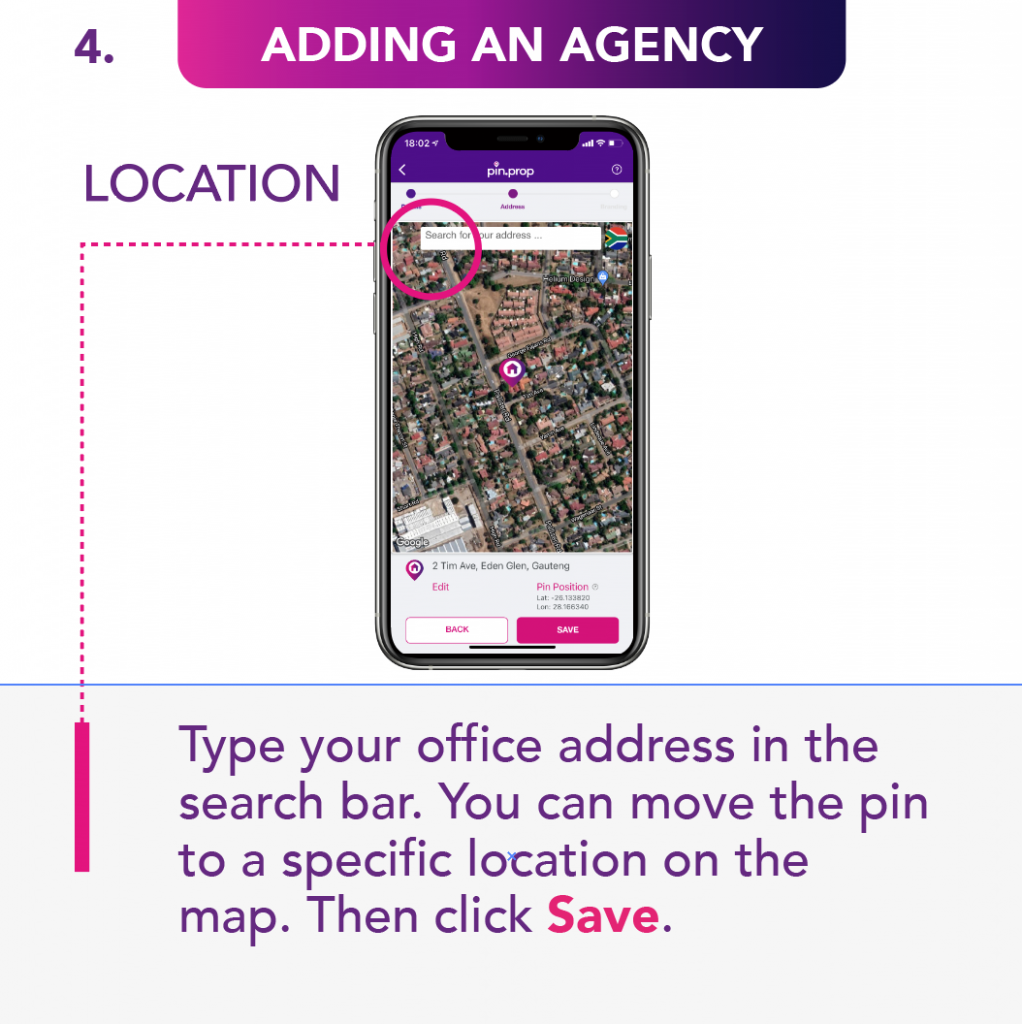
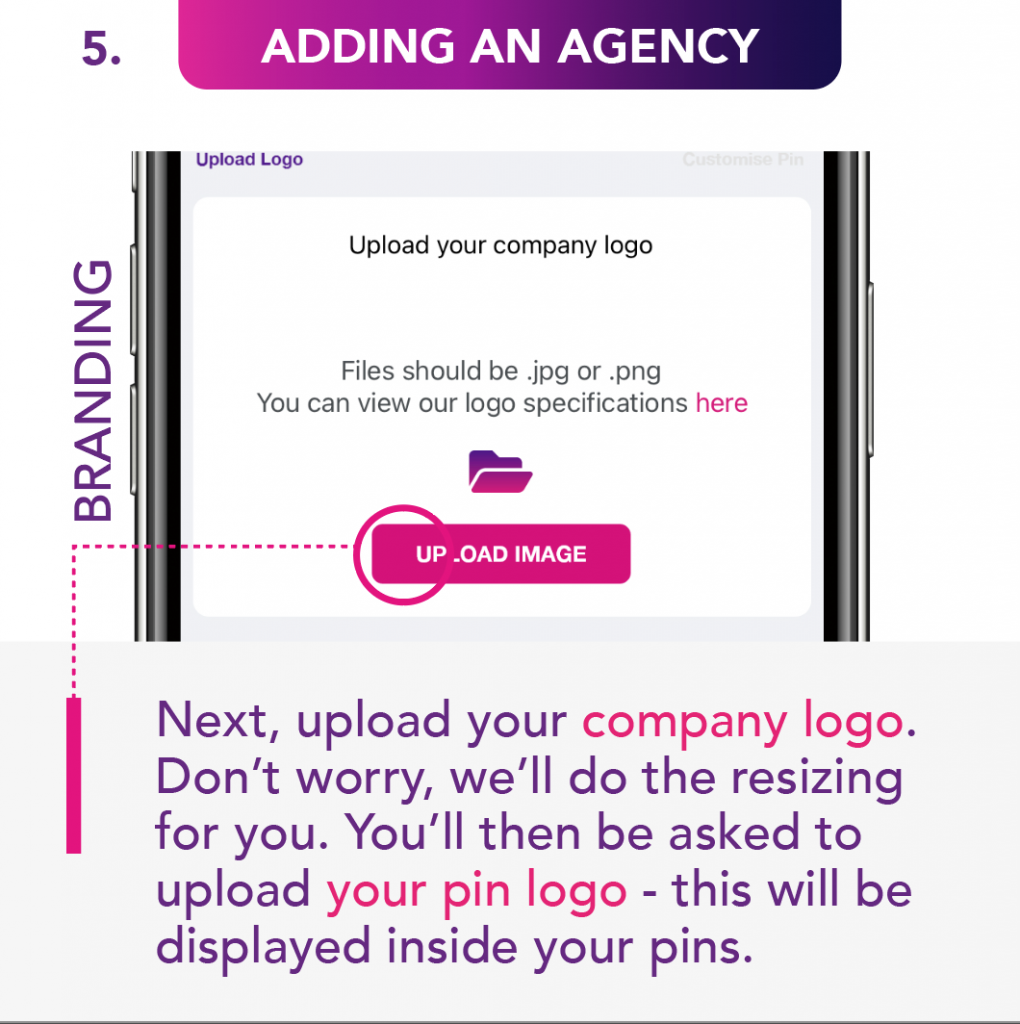
Enter all your agency details and a description. Find your offices on the map and save them. Upload your logo and what you would like your Pin to look like on the map. Our designers will look at the supplied images, consult and adjust to have them looking great on the listings and the map.
07. Add a Rating
You can rate the listing here. The star ratings are required however if you don’t want to leave a comment you do not need to. These ratings are averaged and if they are linked to an Agent or Agency they will effect the overall scoring. Comments that are inappropriate can be reported and will be assessed and removed if not in the guidelines outlined in our Privacy Policies or Terms and Conditions.
08. How do I Make a Payment ?
Payments are made via the Google or Apple App Stores. Choose how many Pins you are looking for and press Buy. This will take you on the normal App Store Payment journey. The more Pins you buy the cheaper they become. They will never expire and will only be deducted when a property is listed. Once used the Pin will give your listing 45 days of activity or until the listing or property is deleted.
09. Save my Favourites
This is where your favourites are saved. To add a favourite to this list click on “Add to Favourite” on the listing search page. You can delete the favourite by swiping the item left and selecting delete.
10. How to Create a New Property
To create a property follow the steps and enter all the relevant information. When choosing the location of the property you can drag the Pin to the location you would like it displayed on the map. This allows the Pin to be uncoupled from the address for safety and security reasons. The best position to place the Pin is the same positions that you would normally knock a board in.
11. Selected a Property
Modify and update your properties from here. You can also add and remove images from the gallery.